
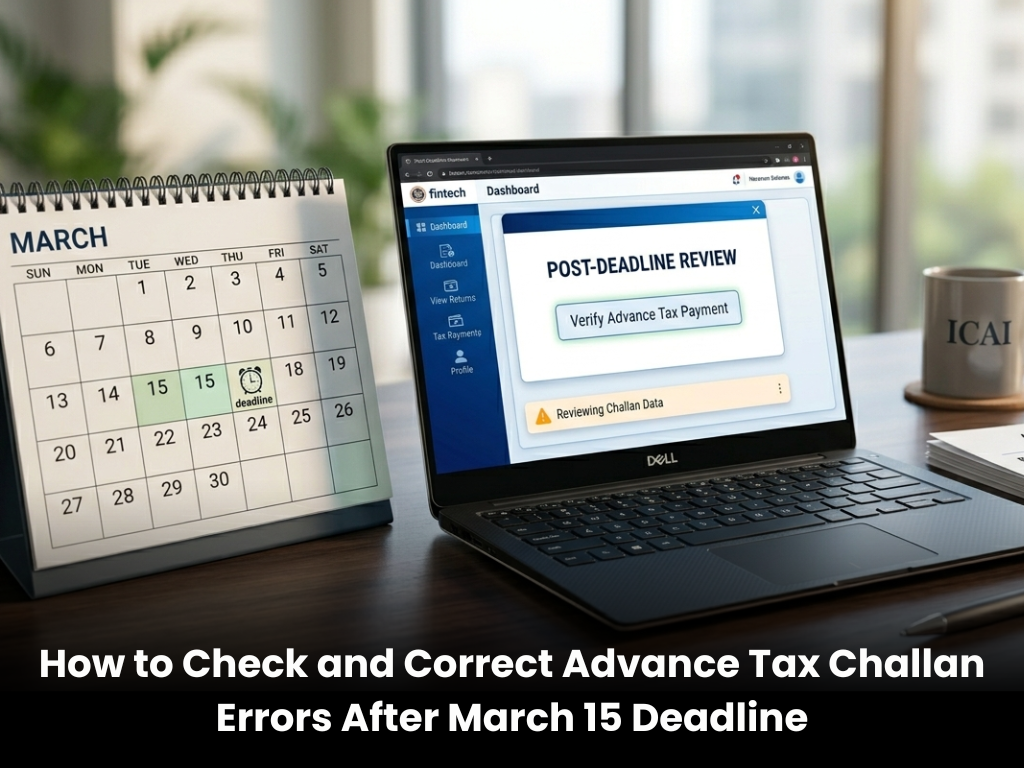
As the financial year moves past the last advance tax deadline, a quieter but equally important task begins.
For many taxpayers, especially business owners and professionals, the focus now shifts from payment to verification.
Did the advance tax payment get recorded correctly?
Is the challan reflecting in the system?
And if something is wrong, can it still be fixed?
These questions matter more than they appear at first glance.
Because a small error in a challan can later turn into a mismatch in tax credit.
Why Checking Your Advance Tax Challan Matters
The final instalment of advance tax closed on March 15 for those whose total tax liability exceeds ₹10,000.
Once the payment is made, most people move on.
But the system doesn’t always work perfectly. A wrong PAN entry, incorrect assessment year, or even a small typo can lead to the tax not being properly credited to your account.
And that usually comes to light much later, often at the time of filing returns.
By then, fixing it becomes more complicated.
How To Check If Your Advance Tax Payment Is Correct
There are two simple ways to verify whether your payment has been recorded properly.
The first is through the NSDL OLTAS portal.
You can use the Challan Identification Number (CIN) option and enter basic details like:
• Bank branch code (BSR code)
• Date of deposit
• Challan serial number
Once submitted, the system will display your challan details. You can download or save this for your records.
The second method is often more convenient.
Log in to the income tax e-filing portal and check Form 26AS or the Annual Information Statement (AIS). These statements give a consolidated view of all your tax payments, including advance tax.
For most taxpayers, this is the easiest way to cross-check everything in one place.
What If You Find an Error
Errors in challans are not very rare.
It could be something simple. A wrong assessment year. Incorrect tax type. Or even a mismatch in PAN details.
The good part is that many of these errors can still be corrected online.
After logging into the e-filing portal:
Go to Services → Challan Correction
Select the relevant challan using CIN details
Choose the field you want to correct
Verify the request using OTP or available methods
The correction window is usually limited. In most cases, it ranges between 7 to 30 days from the date of payment, depending on the nature of the error.
If that window has already passed, the process becomes slightly manual.
You may need to visit the bank branch where the payment was made and submit a correction request.
When Does The Correction Reflect
Once the correction is processed, the updated details do not appear instantly.
They are reflected in Form 26AS and AIS after processing.
This step is important because your final tax credit is picked from these records while filing your return.
If the correction is not reflected there, the issue is not fully resolved.
What Happens If You Paid Excess Advance Tax
Overpayment is another common situation.
Sometimes income is overestimated. Sometimes deductions are missed while calculating liability.
If you have paid more advance tax than required, there is no need for a separate claim process.
The excess amount will automatically reflect in your tax statement.
While filing your ITR, you can calculate your actual liability and the surplus will be processed as a refund after verification.
A Small Check That Prevents Bigger Problems
Advance tax compliance does not end with making the payment.
In many cases, the real issue starts after that.
A missing challan, a minor error, or an unmatched entry can delay refunds or trigger notices later.
A quick review now. A small correction, if needed.
It may not feel urgent today.
But it often saves time, effort and unnecessary follow-ups during return filing season.
Sometimes, in tax compliance, the quiet steps matter the most.